Play School Bus 3D Parking online for free

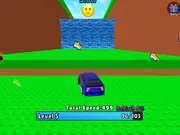
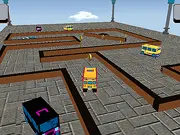
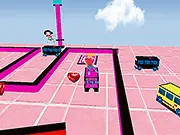
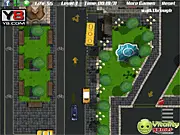
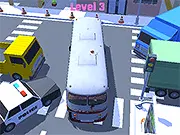
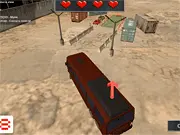
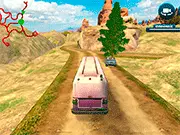
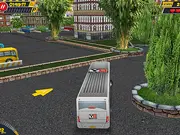
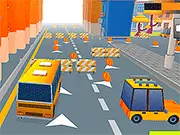
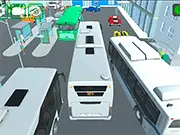
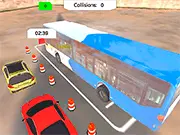
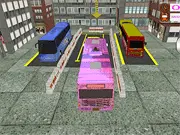
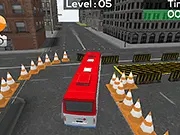
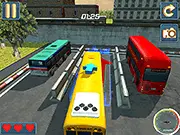
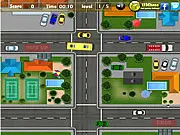
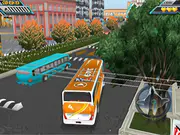
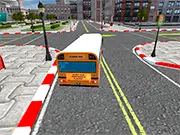
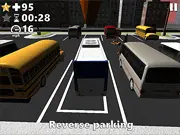
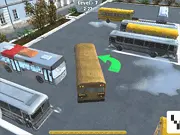
School Bus 3D Parking is super fun online driving game where the challenge is to drive the school bus to collect coins and park it safely on the parking slot. You can drive on a driver view and a top view to see where you are going to. Reach the parking spot to advance to the next level. Do not hit the walls or other obstacles on the way. Collect the coins and have fun playing this game here at Gamebig!

School Bus 3D Parking is available on GameBig as a browser game. You can launch it when you are ready (use the green Play button below so the game only loads after you choose to play, which keeps the first view of this page lighter for visitors on slower connections).

Our editors describe each title with the official short description when provided, list the default controls, and link related games so you can discover more in the same genre. If you need help with account issues, removals, or partnerships, use the contact page so we can respond by email.

Topics and tags: 1 Player, Parking, 3D, Html 5, Y8 Account, Mobile, Touchscreen, Y8 Save, Voxel, Bus. These labels help you find similar games from our catalog without leaving the site.
New Games

School Bus 3D Parking thumbnail

The game loads only after you press Play β€” better for speed and privacy until you opt in.

School Bus 3D Parking 87,492 plays
⭐ 0/100 (0 votes)
Enter fullscreen

About this game on GameBig

Summary. School Bus 3D Parking is super fun online driving game where the challenge is to drive the school bus to collect coins and park it safely on the parking slot. You can drive on a driver view and a top view to see where you are going to. Reach the parking spot to advance to the next level. Do not hit the walls or other obstacles on the way. Collect the coins and have fun playing this game here at Gamebig!

Audience. Titles on GameBig are aimed at casual players looking for short sessions in the browser. Difficulty and themes vary by developer; use tags and related games to narrow what you like.
Fair play. Scores and achievements depend on the third-party build we embed. If something looks broken after an update, reload the page once or report the game with the flag button above.

How to play β€” controls for School Bus 3D Parking

Follow the scheme below while the game window is focused. On desktop, click inside the game area first so keyboard input reaches the title.

  • Drive
    Birds eye view
  • Fullscreen (page)

Tips for a smoother session

  • Close unused tabs and pause large downloads so the browser has free CPU for School Bus 3D Parking.
  • Use fullscreen when supported for a stable aspect ratio and fewer accidental clicks outside the frame.
  • If audio is blocked, interact once with the page (Play counts) so autoplay policies can unlock sound where the developer allows it.
  • Bookmark this URL if you plan to return; the same page will list updated play counts and community rating over time.

Frequently asked questions

Is School Bus 3D Parking free here?
Yes. We host a free-to-play embed on this page. Optional ads on the site may appear according to our policy and your region.
Do I need to install anything?
No app store install is required for typical HTML5 games. Flash-era titles may use in-browser emulation (Ruffle) when marked as SWF.
Can I play on mobile?
Many games support touch; some are keyboard-first. If controls feel awkward, try rotating the device or switching to a desktop browser.

Related games